
Orbitall
A downloadable game for Windows
-ORBITALL-
I bet you think you’re good at these sorts of games.
You probably beat the next “best” rage game with no problems, right?
Yeah.
This is different.
This is a whole new breed of anger- and frustration-inducing gameplay.
Take on the challenge.
Or don’t.
I don’t care.
Even I can’t consistently beat this thing — and I’m the developer.
It is possible.
In theory.
- Controls-
WASD + Mouse – Move & Look (obviously)
Space – Jump (yes, really)
Left Mouse Button – Throw Orb / Teleport (read this one properly)
Right Mouse Button – Zoom / Aim
Q – Cancel Orb
R – Restart Level (you’ll use this a lot)
-What Is It?-
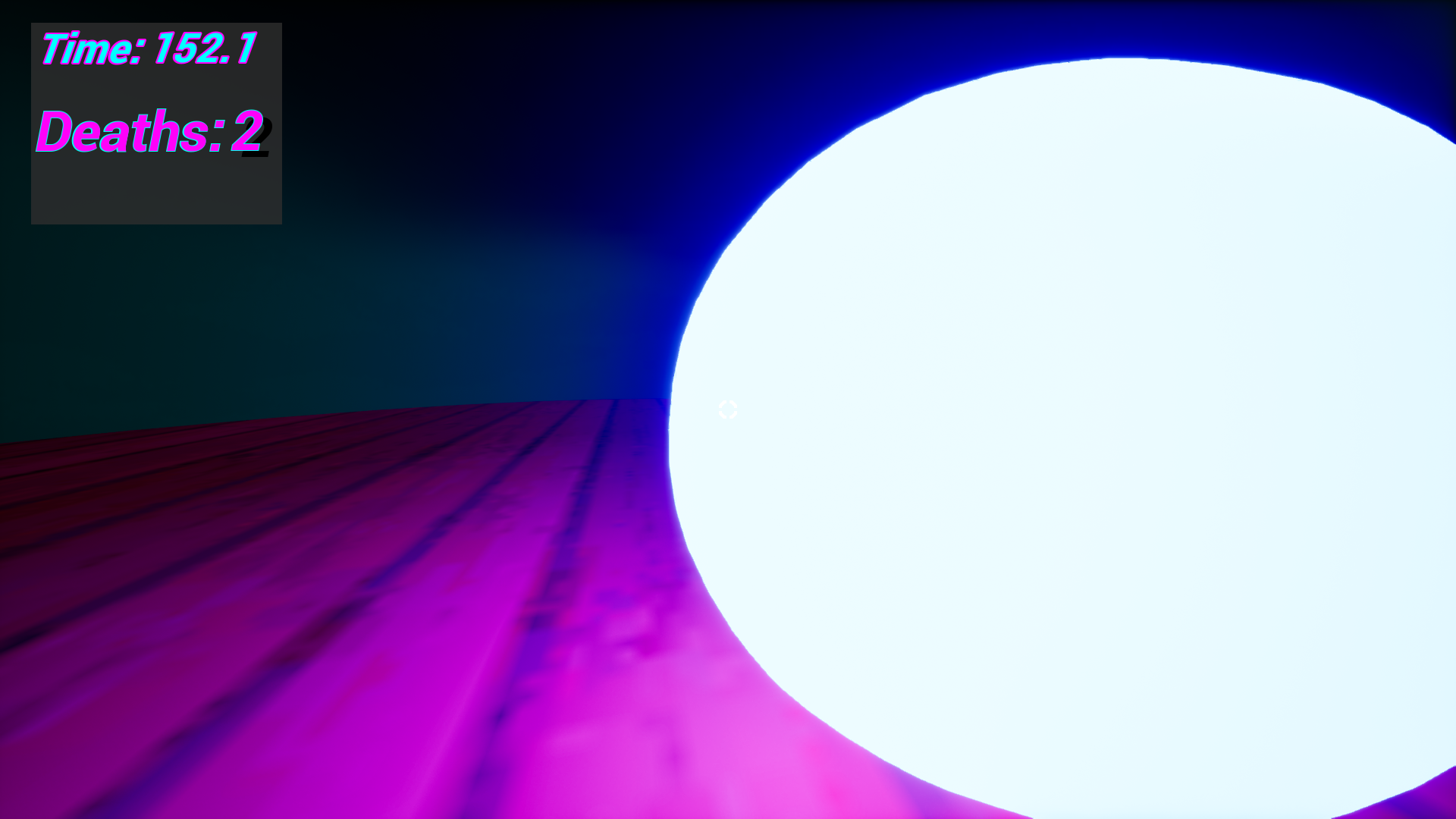
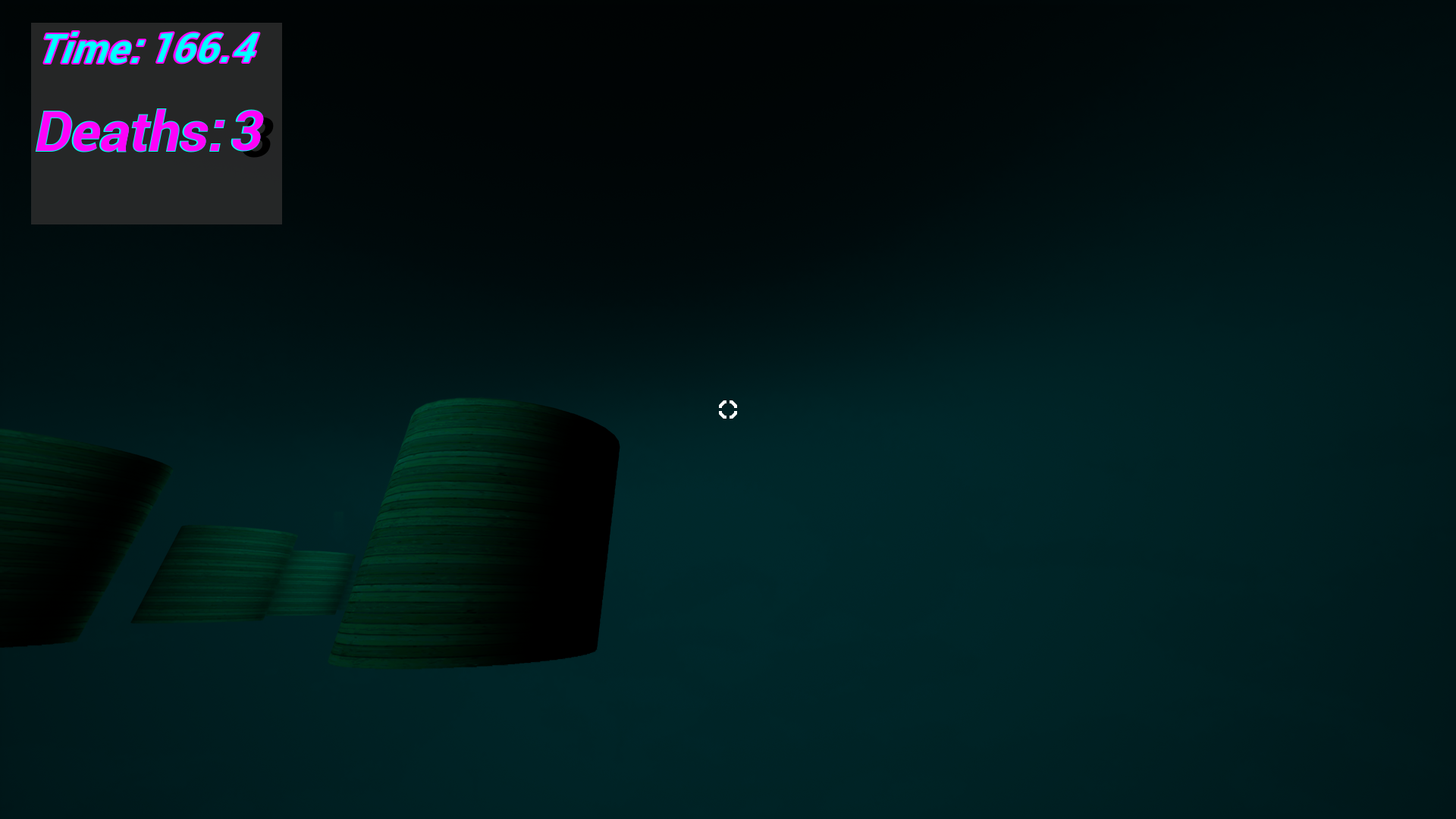
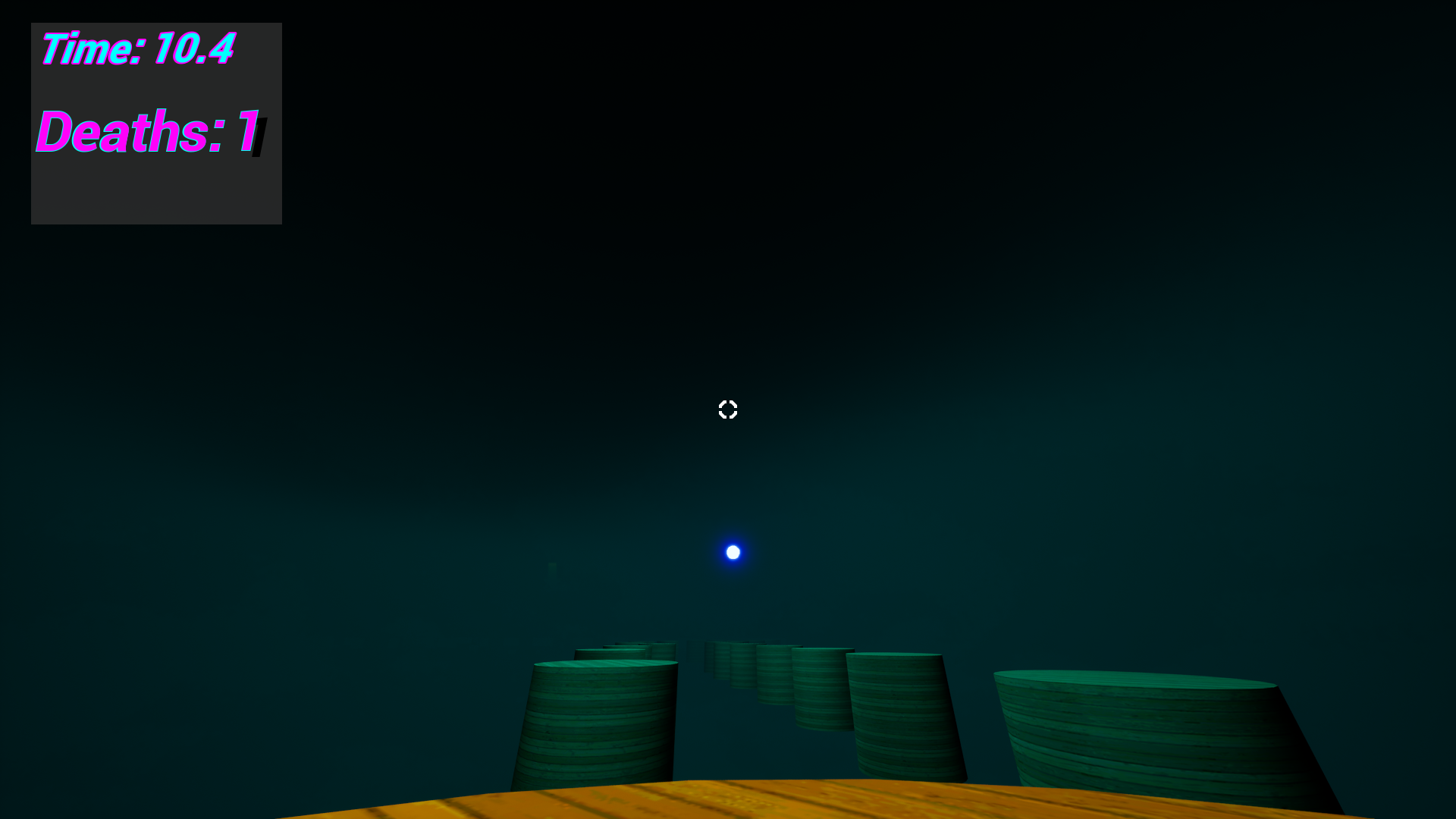
Orbitall is a first-person precision platformer where your only way forward is throwing an orb and teleporting to it mid-air.
Miss the throw? Restart.
Panic? Restart.
Overthink it? Restart.
No checkpoints.
No mercy.
Just improvement.
-About the Developer-
Made by Spaldon.
Yes, I think it’s brilliant.
Yes, I think I’m better than you.
No, I’m not changing that.
If you enjoy it, leave a review.
It feeds my massive ego and helps future games.
-Support-
If you liked the game and want to support development, donations are appreciated and help me keep making ridiculous projects like this.
Final Warning
If you don’t like restarting, frustration, or being humbled…
This isn’t for you.
Everyone else?
Good luck.
Update Log:
02/02/26 - 00:32 -
-Pause Menu doesn't wipe timer and death counter.
-Can now throw orb into abyss and teleport to death.
-Added Orbitall Cover art to start of game.
-Tweaked Stage one and Stage two of the course.
02/02/2026 - 13:03 -
-Created and package a mac build. with version 1.1 of the project. Uploaded.
Download
Install instructions
Install / Run Instructions (Windows)
-
Download the
.zipfile. -
Extract the zip (important):
-
Right-click the
.zip→ Extract All… -
Choose a folder like Desktop or Downloads.
-
-
Open the extracted folder.
-
Run
Orbitall.exe-
(If you see multiple files, run the one that says Application.)
-
If Windows blocks it (“Windows protected your PC”)
-
Click More info
-
Click Run anyway
If your antivirus warns you
This can happen with small indie .exe files.
-
Restore/allow the file, or whitelist the game folder.
-
Download again from the official page if needed.
Important
-
Do not run the game while it’s still inside the zip.
-
Keep all files together in the extracted folder (don’t move just the
.exe).
Uninstall
To uninstall, just delete the extracted game folder.
Leave a comment
Log in with itch.io to leave a comment.